
Understanding the Student Digital Experience
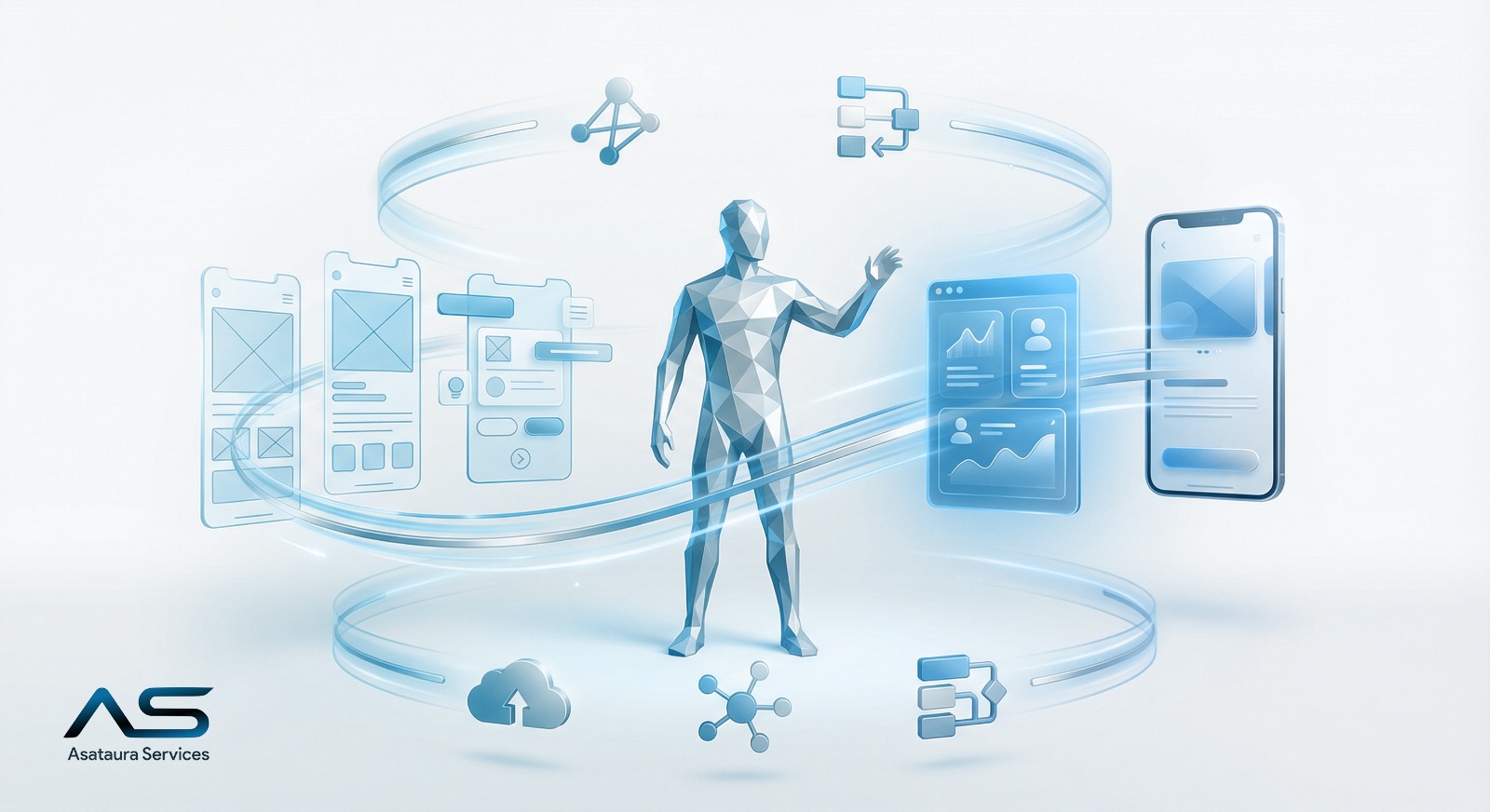
The student digital experience refers to how learners interact with technology throughout their entire academic lifecycle, from the first application to graduation. Students experience one continuous journey, not a collection of disconnected systems. When platforms are fragmented, friction increases, adoption drops, and satisfaction suffers. This is often a clear symptom of digital chaos in education, where institutions digitize processes without true integration or measurable impact.
A well-designed student digital journey relies on a unified portal supported by strong backend integration, ensuring that information flows seamlessly across systems.
Key Stages of the Student Journey
Before enrollment, students need clear program information, easy comparison between options, and a single application form with real-time status updates. During admissions and enrollment, repeated data entry should be eliminated through document uploads, online payments, and automatic scheduling.
At the start of the academic term, effective onboarding, fast access to timetables, clear attendance rules, and responsive support set the tone. Daily learning should be frictionless through single sign-on, well-organized content, assignment tracking, and deadline notifications.
Assessment stages benefit from transparent grading, instant transcripts, and accessible feedback history. Strong support and communication depend on official messaging, ticketing systems, consistent notifications, and optional parent access. Finally, graduation should be managed digitally through requirement tracking, credit audits, and secure digital certificates.
A Practical Checklist for Schools and Universities
An effective student digital experience allows learners to complete applications on mobile devices, ensures automatic data flow between admissions and scheduling, reduces passwords through SSO, and centralizes notifications. Students should be able to view today’s schedule and tasks within seconds, not minutes.
Frequently Asked Questions
Do institutions need to replace all systems?
No. A unified student portal combined with system integration can significantly improve the experience without full replacement.
What is the difference between SIS and LMS?
Student Information Systems manage records, enrollment, and grades, while Learning Management Systems handle content and assignments.
What is the best success metric?
Fewer steps, less time to complete tasks, and higher adoption and satisfaction rates.